Guided Virtual Tour Software for Real Spaces
Choose guided virtual tour software by navigation, labels, hotspots, embeds, branding, analytics, and commercial handoff needs.

In this guide
Guided tour software should turn a captured space into an ordered visitor path with labels, context, embeds, and next actions.
Short answer
Most visitors need a path before they need total freedom.
Guided tour software should turn a captured space into an ordered visitor path with labels, context, embeds, and next actions. A useful test is simple: can someone open the tour, understand the place, and know what to do next without a separate explanation?
Spatial Studio is guided-tour software built on top of a wider capture and reconstruction ecosystem. Spatial Lens, local Mac processing, cloud generation, 360, drone, PortalCam, and existing splat workflows all continue into the same browser editor.
What guided software should provide
| Capability | What a good implementation does | Buyer question |
|---|---|---|
| Start view | Opens at a stable, recognizable angle. | “Where am I?” |
| Waypoints | Reveal the place in a logical order without trapping exploration. | “Where should I go next?” |
| Hotspots | Add detail, media, or actions only where context is useful. | “What matters here?” |
| Maps and floor plans | Restore orientation across large or multi-level sites. | “How do these areas connect?” |
| Publishing | Produces a stable link and embed that work on mobile. | “Can I share this?” |
| Analytics | Shows visits and meaningful actions at the level the team needs. | “Did anyone use it?” |
A product with many annotation types can still create a poor tour. Test how quickly an author can build, revise, and republish a route that a stranger understands.
Design a venue route
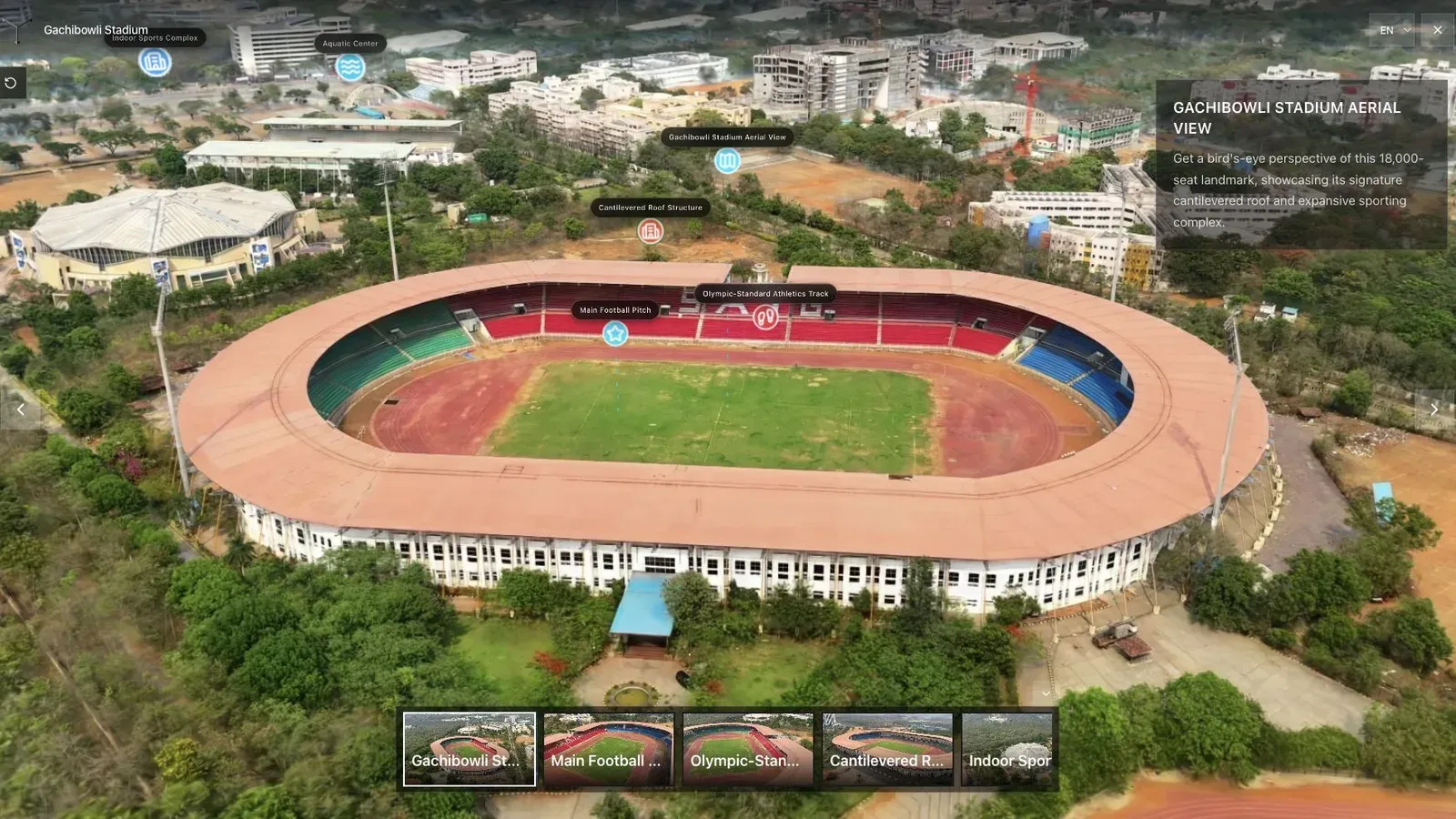
A venue route should answer capacity, access, sight-line, and configuration questions before asking for an inquiry.
Start outside or at the entrance, then move through the path a guest or planner would take. Use stops for areas that change the booking decision. A service corridor or storage room may matter to an event producer but not to every visitor, so place it as optional context rather than on the main route.
Ask someone unfamiliar with the venue to find the entrance, main floor, best viewpoint, and inquiry button. Observe their route without coaching. Confusion is an authoring signal.
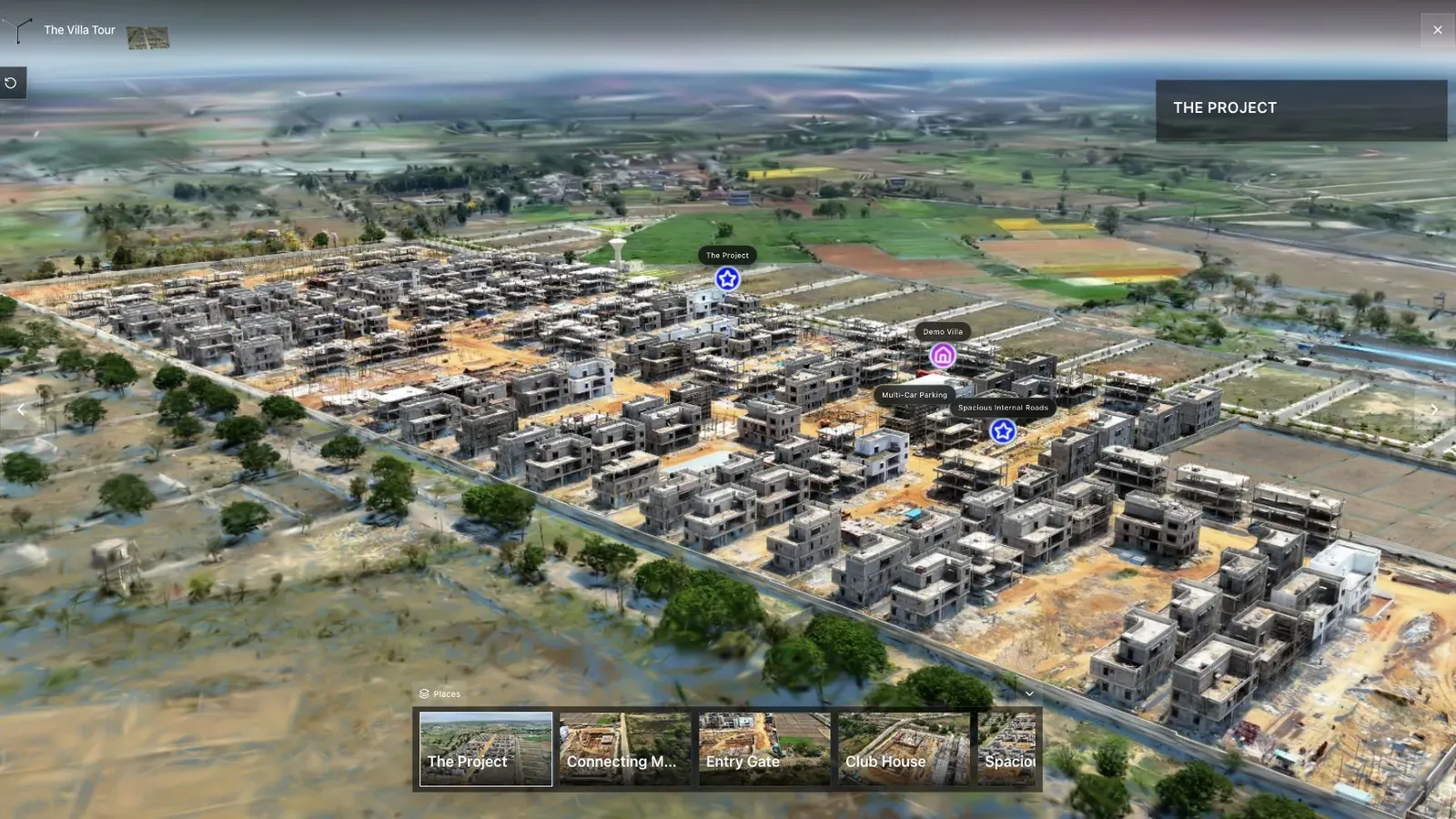
Waypoints should reduce uncertainty while preserving the freedom to inspect the scene.
Buying test
Build the same six-stop tour in each candidate. Include a floor plan or map, two media hotspots, one embed, and one CTA. Time the first authoring pass and a later client revision. Review mobile navigation and confirm what analytics are actually available.
Choose 3DVista when deep custom desktop authoring or offline output dominates. Choose a panorama platform when fixed-node tours are enough. Choose Spatial Studio when the job begins with flexible splat capture or reconstruction and ends with a branded, measurable browser experience.
Also test ownership after launch. Replace a scene, change a waypoint, update a CTA, revoke a private review link, and export the asset you are entitled to keep. A polished first publish does not reveal whether ordinary client revisions will take five minutes or require a developer.
Record who can perform each revision and whether publishing interrupts the current public link. Those operational details become important once an agency has dozens of active client tours.
Frequently asked questions
Is guided tour software the same as a splat viewer?
No. A viewer opens the scene. Guided software adds route design, context, publishing, embeds, and visitor actions.
Should visitors be forced to follow the route?
Usually not. Use guidance to offer a confident path while allowing exploration and a clear way back.
Which Spatial Studio feature should I add first?
Set the opening view and essential waypoints before adding hotspots, media, or visual decoration.
Related reading
Next step
Generate a splat tour
Use the guide with your own project, or inspect a published example before starting.
Continue reading
Related articles
Tour Publishing
How to Embed a Gaussian Splat Viewer on Your Website
Embed a Gaussian splat viewer or 3D tour with responsive iframe code, mobile checks, CMS notes, performance guidance, and publishing tips.
Read articleTour Publishing
360 Tour vs Gaussian Splat Tour
Compare 360 tours and Gaussian splat tours by capture speed, viewer experience, mobile performance, embeds, and sales use.
Read article