Skip to content

Spatial Studio by Real Horizons.

Spatial Studio by Real Horizons combines cloud and Mac Gaussian splat generation with a browser editor for mixed 360 and 3D tours. Add floor plans and hotspots, then publish a hosted link or website embed without coding.

  1. 01

    Capture or import

    Record overlapping video or photos, upload 360 panoramas, or import a splat you already have.

  2. 02

    Generate and review

    Train a Gaussian splat in the cloud or on a supported Mac, then inspect coverage and artifacts.

  3. 03

    Author

    Add rooms, maps, floor plans, and media on one canvas.

  4. 04

    Publish

    Share a hosted link, add an iframe to your website, and review tour visits and CTA clicks.

Build the tour your client needs.

Generate from a capture or import an existing scene. Add guided views and supporting information, then publish a link and see how visitors use it.

Capture

Bring in the space

Start from iPhone, a 360 camera, a drone, DSLR, XGRIDS, or a splat file you already have.

  • Spatial Lens (iOS)
  • 360 & drone
  • Raw splat upload
  • Guided iOS capture with floor plan mode
  • Video, image sequence, 360, and raw splat uploads
  • Local Mac training for small and medium scenes
  • Cloud generation when the capture needs more compute
Generate

Turn it into a splat

Choose quality, scale, and detail, then generate in the cloud or train smaller scenes on Mac.

  • Quality tiers
  • Metric scale
  • Streaming LOD
  • Quality tiers for draft, fast, balanced, high, and ultra output
  • 360 capture handling with operator and tripod masking
  • Streaming LOD for larger scenes
  • Collision voxels for walkable interior tours
Author

Build the tour

Combine splats, 360 panoramas, 3D maps, floor plans, and media on one canvas.

  • Hotspots & portals
  • Floor plans
  • Measurements
  • Hotspots, portals, saved views, labels, and CTAs
  • Measurements, alignment, reveal controls, and Color Studio
  • Floor plans, boundaries, units, floors, and selection overlays
  • Interior walk mode with collision authoring tools
AI tools

Draft text and room views

Reframe rooms, draft scene notes, sharpen hotspot text, and translate the tour.

  • Reframe AI
  • Spatial Sense
  • Translations
  • Reframe AI for restyled room views
  • Spatial Sense annotations anchored to the scene
  • Smart Hotspot suggestions for selected or existing hotspots
  • Tour translation for supported viewer languages
Publish

Share one stable link

Preview on desktop and mobile, publish, embed the tour, and set how it opens.

  • Desktop & mobile preview
  • Embeds
  • Start modes
  • Desktop and mobile preview before publishing
  • Published snapshots that stay stable while drafts change
  • Embed code, Explore listing controls, and shareable links
  • Start mode for 3D, 360, maps, gallery, or default orbit
Measure

See what gets attention

Track views, sessions, and CTA clicks right where you publish the tour.

  • Views & sessions
  • CTA tracking
  • Team reports
  • Views, unique visitors, session time, and traffic sources
  • CTA and interaction tracking for published tours
  • Project-level reporting for teams and clients
  • Analytics built into the same workspace as publishing

One editor, in the browser.

Place context, fix navigation, add measurements, drop in AI drafts, preview the result, and publish the version that is ready for visitors.

Spatial Studio preview and publish workspace

From footage to client delivery.

Start with a small, representative space. Review the reconstruction before building the tour, and check the published result on the devices your client uses.

Choose the right input

Video and photo sets need overlapping views of a mostly static scene. A 360 panorama is a fixed viewpoint; a Gaussian splat is a reconstructed 3D scene. You can combine both in the tour. Read the video preparation guide before uploading, or inspect an existing splat.

Review, author, and publish

Check glass, moving subjects, and gaps in coverage. In the browser editor, set the opening view, connect rooms with hotspots or portals, and add floor plans and media. Preview on desktop and mobile, publish a snapshot, then test the hosted link and iframe on your client’s actual site. Open published tour examples to see the deliverable before starting.

Agree the client handoff

Splat downloads preserve the scene file, while the interactive tour remains a hosted project. Confirm who maintains the project, how long the link stays online, and whether the client needs source files. Use the client delivery checklist to check the link, embed, and handoff.

Built for how you sell space.

One 3D tour platform, tuned for real estate photography, property development and land sales, and brokerages and luxury listings.

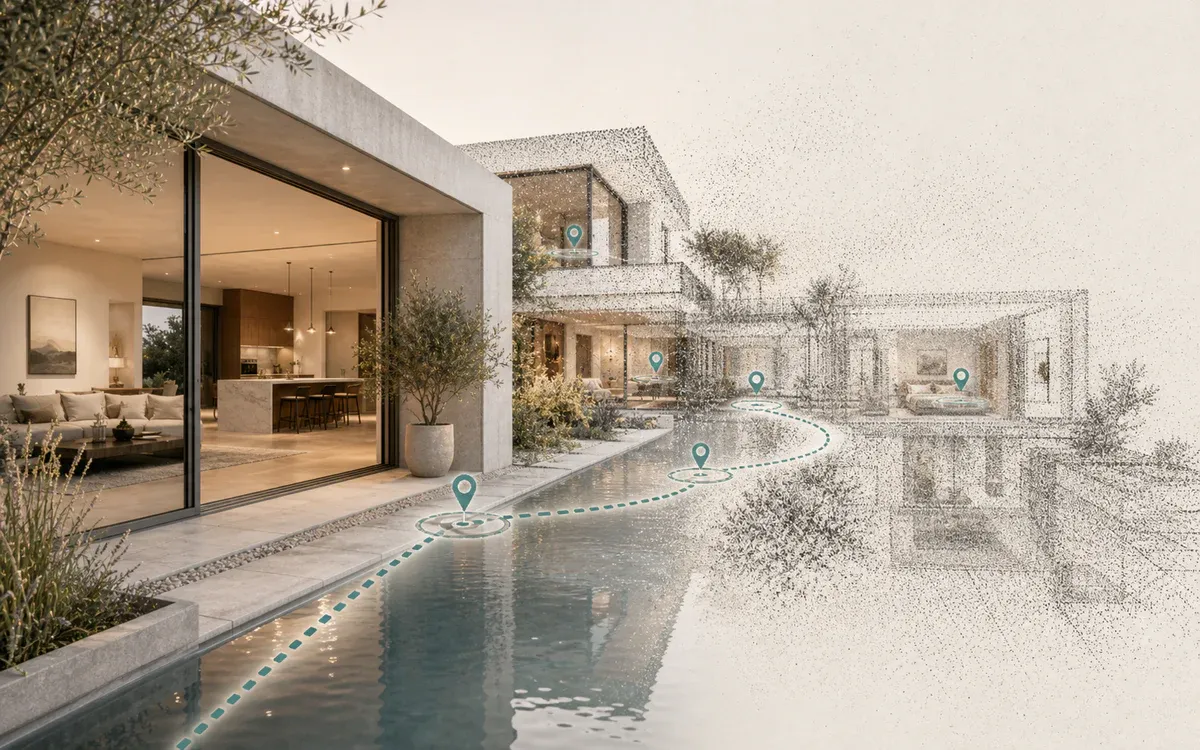
Interactive 3D tour path through a contemporary home
Real estate photographers

Deliver a branded property tour

Turn a shoot into one branded link agents can share, with guided rooms, floor plans, and reporting.

  • One branded property link
  • Floor plans & Reframe views
  • Views & CTA reporting
Create a sample tour
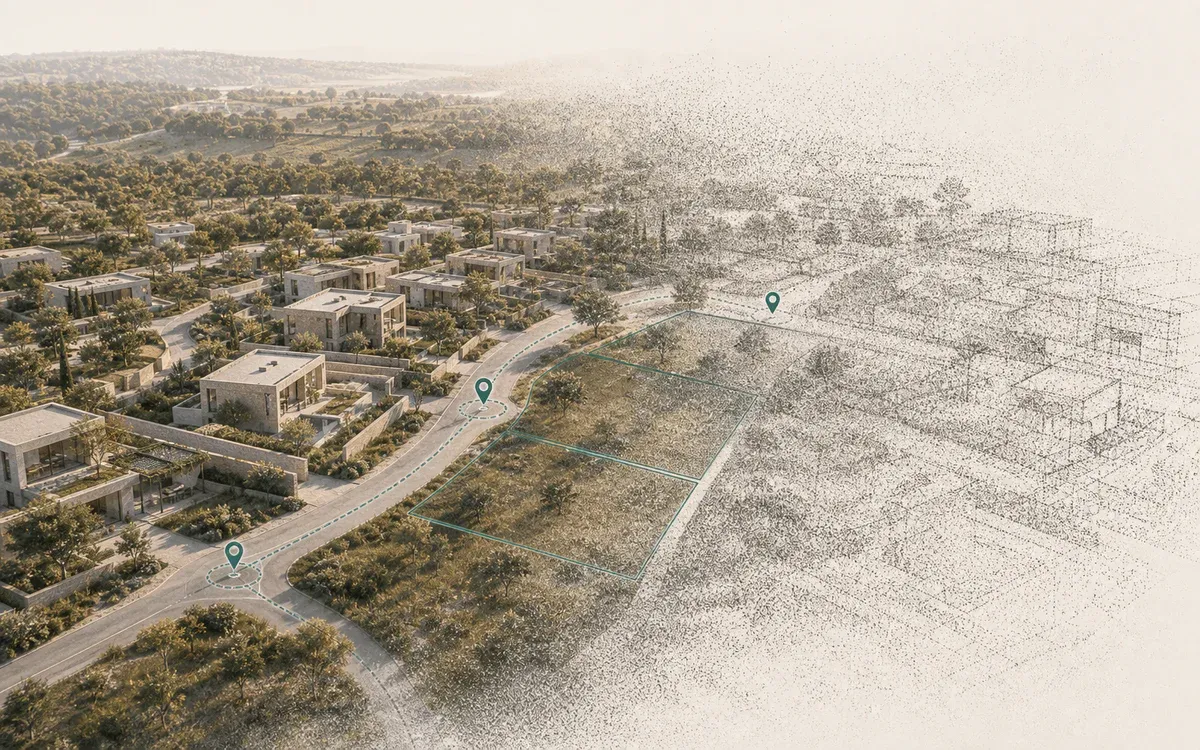
Residential development map with plot boundaries and tour markers
Property developers

Sell plots before the site visit

Give buyers site context, 3D maps, unit overlays, and a clean inquiry path in one page.

  • 3D maps & site context
  • Unit and plot overlays
  • Inquiry with context attached
Request a demo
Guided 3D walkthrough of a modern luxury home
Brokerages & luxury

Win the pitch, guide the buyer

A polished listing experience for seller pitches, private buyer previews, and campaign pages.

  • Seller-pitch ready
  • Guided buyer preview
  • Campaign + reporting
View showcase

Questions, answered.

Can I make a virtual tour without coding?

Yes. Spatial Studio by Real Horizons provides a browser editor for combining Gaussian splats, 360 panoramas, floor plans, maps, and media. Upload capture material for cloud generation or import an existing splat, review the result, add hotspots and saved views, then publish a hosted link. Embedding uses an iframe snippet; your website must allow embeds.

What is Gaussian splatting, and why use it for virtual tours?

Gaussian splatting reconstructs an explorable scene from overlapping photos or video. It can preserve detailed appearance and view-dependent effects. Capture quality still matters: glass, movement and missing coverage can create artifacts that need review before publishing.

How is Spatial Studio different from Matterport?

Spatial Studio is a browser-based 3D tour platform built around Gaussian splatting rather than fixed panorama nodes. You can capture with an iPhone, a 360 camera, a drone, DSLR, or XGRIDS, generate a splat in the cloud or on a Mac, then author hotspots, floor plans, 3D maps, and AI Reframe views in one workspace. Test the capture, editing and publishing steps against your client requirements.

What can I use to capture a space?

Start with Spatial Lens guided capture on iPhone, a 360 camera, drone footage, DSLR image sequences, XGRIDS PortalCam, or an existing Gaussian splat file. Smaller scenes can be trained locally on a Mac; larger captures generate in the cloud with selectable quality, metric scale, and streaming LOD.

Can I add floor plans, measurements, and hotspots to a tour?

Yes. The Studio editor combines 3D splats, 360 panoramas, Google 3D Maps, media galleries, floor plans, and property overlays on one canvas, with hotspots, portals, saved views, labels, measurements, and interior walk mode with collision authoring.

Who is Spatial Studio built for?

Real estate photographers delivering listing media packages, property developers building interactive land sales and plot pages, and brokerages and luxury listing teams creating seller pitches and guided buyer previews. The same authoring tools can also support venue, heritage and site-documentation projects.

How do I publish, embed, and track a 3D virtual tour?

Preview on desktop and mobile, publish a stable version, and share one hosted link or embed the tour on a listing page. Published snapshots stay stable while you keep editing drafts, and built-in analytics track views, sessions, CTA clicks, and interaction patterns.

Can I download the splat as well as share a tour?

Generated splats have SOG, SPZ, PLY, and compressed PLY download options, plus experimental GLB. Large outputs may exceed the browser conversion limit; SOG is the recommended download. These are scene files. A downloaded splat does not include the complete hosted tour, its hotspots, embeds, or analytics.

What should I check before delivering a client tour?

Check capture artifacts, the opening view, navigation, client branding, CTA destinations, and the actual website embed on desktop and phone. Agree who maintains the project, how long it stays published, and where the source files are kept.

Turn one space into a tour people open.

Upload a capture, build the tour, preview it, and publish the link when it is ready.