Indoor Gaussian Splatting Capture Guide
Capture indoor Gaussian splats with better lighting, slower transitions, cleaner paths, room labels, and publishing checks.

In this guide
Indoor splats depend on controlled light, slow transitions, and enough detail on walls, floors, furniture, and openings.
Short answer
Indoor capture succeeds when every room is connected by slow, well-covered transitions. Mirrors, blank walls, dark corners, bright windows, and moving people are the usual trouble spots. Plan around them before recording instead of hoping cleanup will repair missing evidence.
Use the camera you can move predictably. Spatial Lens provides a guided iPhone path. A 360 camera can cover connected interiors efficiently. Photo sets can be useful for a carefully controlled scene. Spatial Studio for Mac can reconstruct locally on Apple silicon, while the web platform supports cloud generation and tour authoring.
Prepare the room
Turn on the lights you want visible in the final tour and leave them unchanged. Remove moving fans, television footage, and objects likely to shift during the pass. Open interior doors fully or close them fully. A half-open door that moves halfway through capture creates a more confusing surface.
Use curtains deliberately. If the view is important, capture when the brightness difference between inside and outside is manageable. If the room is the product, a closed sheer may be better than a blown window that dominates camera exposure.
Plan one continuous route
| Moment | What to do | Why |
|---|---|---|
| Room entry | Pause just before and after the doorway. | The reconstruction needs overlap across the transition. |
| Large room | Trace the perimeter, then cover the center or island. | One fast centerline misses side surfaces and occluded areas. |
| Mirror or glass | Keep other stable texture in frame and avoid standing still in reflection. | Reflections do not behave like fixed geometry. |
| Dark corner | Slow down and maintain exposure consistency. | Blur plus low texture is a common failure combination. |
| Stair or level change | Use shorter steps with the camera held steadily. | Rapid height changes are harder to connect. |
Do not spin in place to “get everything.” Translation through the room gives the system useful parallax. Move as if you are showing the property to someone walking beside you.
Pick the capture path by the job
An iPhone is a strong default for a small apartment or room sequence. A 360 camera can reduce the need to point the device but still requires slow movement and clean stitching. PortalCam may fit a professional capture operation. Existing DSLR or image sequences are useful when the scene can be photographed methodically.
The Real Horizons ecosystem lets these sources converge. A creator can use local Mac processing for a private test, cloud generation for a larger job, and the same web studio for waypoints, floor plans, maps, hotspots, embeds, CTAs, and analytics.
Inspect the difficult surfaces first
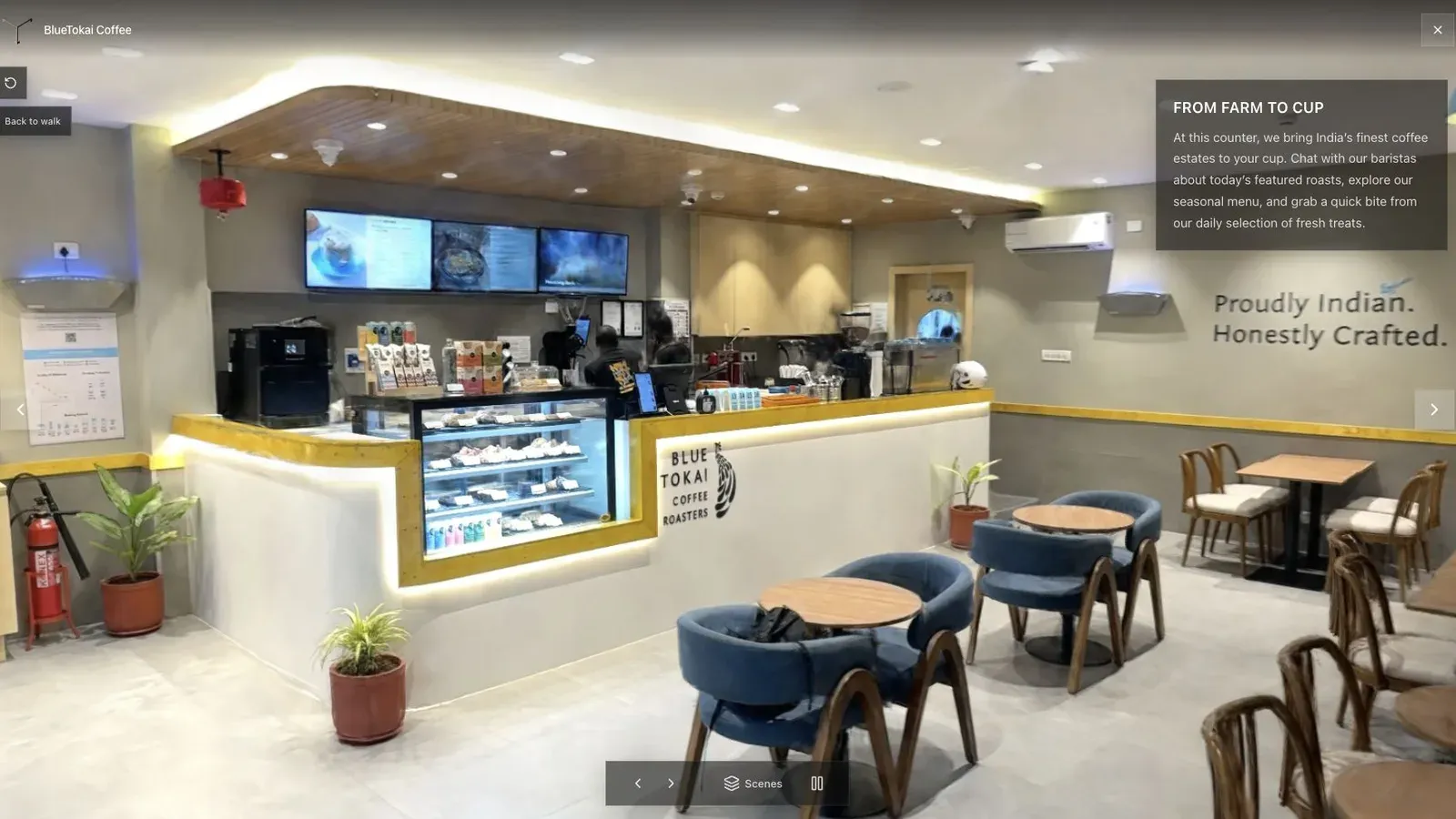
A cafe tour should begin from a place that explains the counter, seating, and route into the room.
Review mirrors, window frames, chair legs, glossy counters, plant edges, and every doorway. Then check the ceiling and floor around the capture path. A scene can look impressive at first glance while hiding a broken transition exactly where a visitor tries to walk.
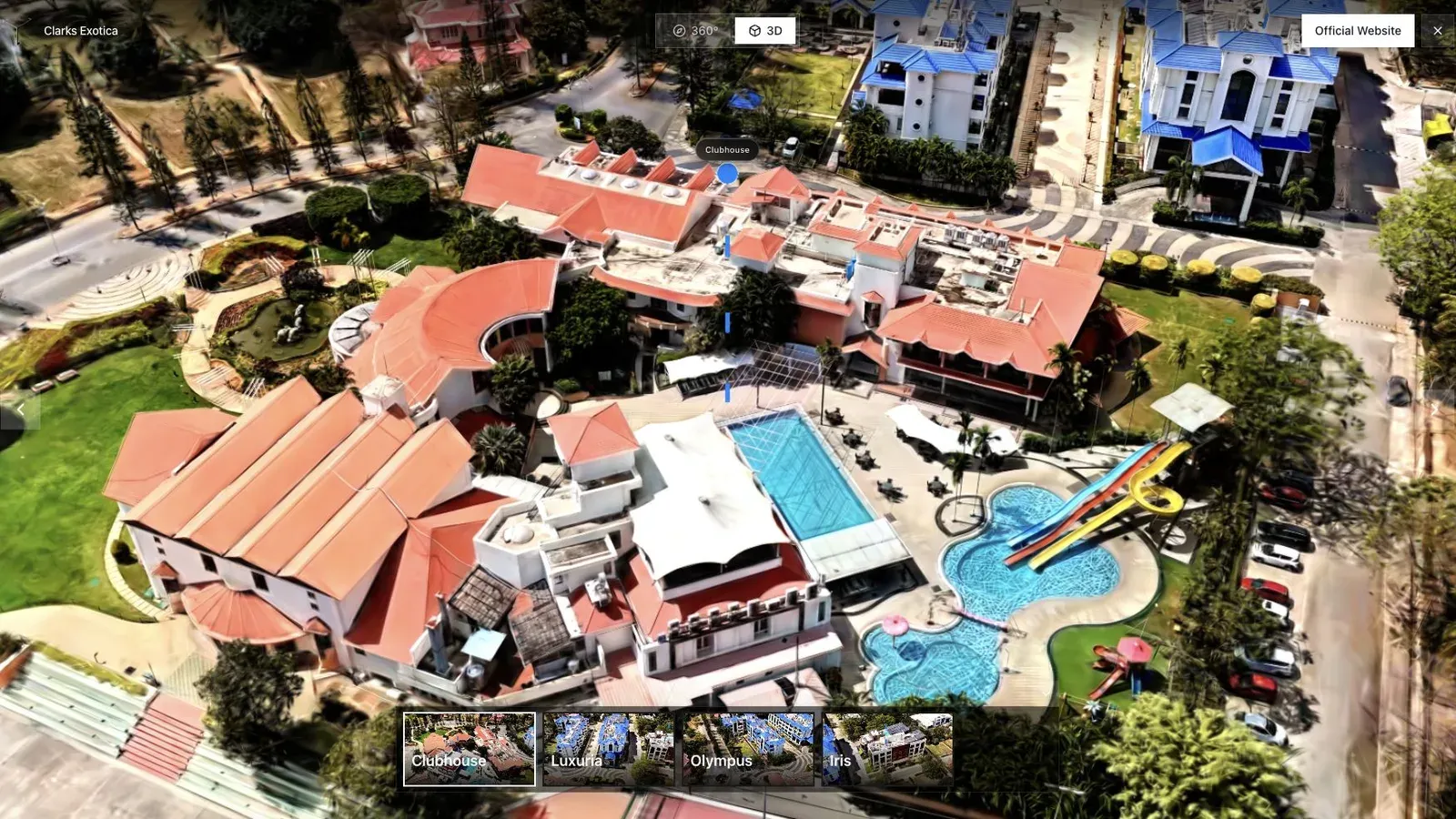
Hospitality interiors need named amenities and a route that matches the guest's questions.
Set the published first view in a recognizable room, not at the operator's first frame. Name only meaningful stops such as Entrance, Living Room, Primary Bedroom, or Terrace. On mobile, make sure labels do not cover the main subject and the inquiry action remains easy to reach.
Frequently asked questions
Should I use a phone or 360 camera indoors?
Use the device you can move steadily through the space. Phones provide directed framing. A 360 camera offers broad coverage but can introduce stitching, operator, and low-light issues. Test the exact room type.
How do I capture mirrors?
Avoid centering the mirror for long periods, keep stable non-reflective texture in view, and inspect the result closely. Large mirrored rooms may still require a different route or extra cleanup.
Can I combine indoor and outdoor capture?
Yes, but transitions across bright doors are difficult. Consider separate zones or supporting media when one continuous pass creates severe exposure changes.
What is the most important mobile check?
Open the published link from the first view and move through the first doorway. If orientation, loading, or controls fail there, most visitors will not reach the rest of the tour.
If the capture is for a listing, Gaussian Splatting for Real Estate Virtual Tours covers the finished tour, pricing, and inquiry path.
Related reading
Next step
Process an indoor capture
Use the guide with your own project, or inspect a published example before starting.
Continue reading
Related articles
Capture Workflows
How to Make a Gaussian Splat on Mac from Photos or Video
Create a 3D Gaussian splat locally on an Apple silicon Mac from photos or video. Follow the capture, processing, review, export, and publishing workflow.
Read articleCapture Workflows
Photogrammetry vs Gaussian Splatting on Mac
Compare photogrammetry and Gaussian splatting on Mac by output, geometry, visual quality, capture, editing, measurement, hardware, and delivery workflow.
Read article