Kuula vs Spatial Studio
Compare Kuula and Spatial Studio for panorama tours, Gaussian splats, capture, guided publishing, embeds, CTAs, and client delivery.

In this guide
Kuula is useful for 360 tours; Real Horizons fits when the package needs cloud splat generation, guided stops, CTAs, embeds, and analytics.
Short answer
Kuula is a good choice for straightforward panorama tours. If you already shoot 360 images and want a clean way to connect them, publish a link, and embed the result, its narrower focus is an advantage.
Spatial Studio is the stronger choice when the space should feel continuous rather than node-based, or when the team needs to generate the Gaussian splat as well as publish it. It spans guided iPhone capture, local Mac reconstruction, cloud processing, and browser authoring for splats, panoramas, maps, floor plans, and supporting media.
Decide by the visitor experience
| Visitor need | Better starting point | Reason |
|---|---|---|
| Look around from a set of fixed positions | Kuula | Panorama nodes are familiar, light, and efficient. |
| Move through a space with depth and parallax | Spatial Studio | A Gaussian splat gives a more continuous spatial view. |
| See a simple 360 tour quickly | Kuula | Less reconstruction work is required. |
| Follow a guided property story with map and floor-plan context | Spatial Studio | The authoring system combines several media layers. |
A 360 tour is not an inferior splat. For a small rental, classroom, or basic room preview, a few sharp panoramas may load faster and explain enough. Choose the heavier spatial workflow only when the movement and context earn their cost.
Where Kuula wins
Kuula is appealing because the mental model is simple. Capture panoramas, connect them, choose presentation settings, and share. Photographers who already have a reliable 360 camera routine can build a service without adding reconstruction uncertainty.
That simplicity also helps mobile visitors. A well-made panorama tour can be easier to load than a detailed splat, especially on weaker devices or slow networks. If the sales promise is “see every room,” not “move naturally through the property,” Kuula may be enough.
Where Spatial Studio wins
Spatial Studio covers the work Kuula does not center: creating a splat from source media and turning it into a broader spatial experience. Spatial Lens can guide an iPhone capture. Spatial Studio for Mac can process locally on Apple silicon. The web generator accepts additional media such as photo sets, 360 footage, drone captures, PortalCam data, or an existing splat.
The editor can place that scene beside panoramas, Google 3D Maps, floor plans, photos, and video. Waypoints and portals shape the route. A branded link or embed carries the result to the listing, while CTAs and analytics connect the tour to the business outcome.
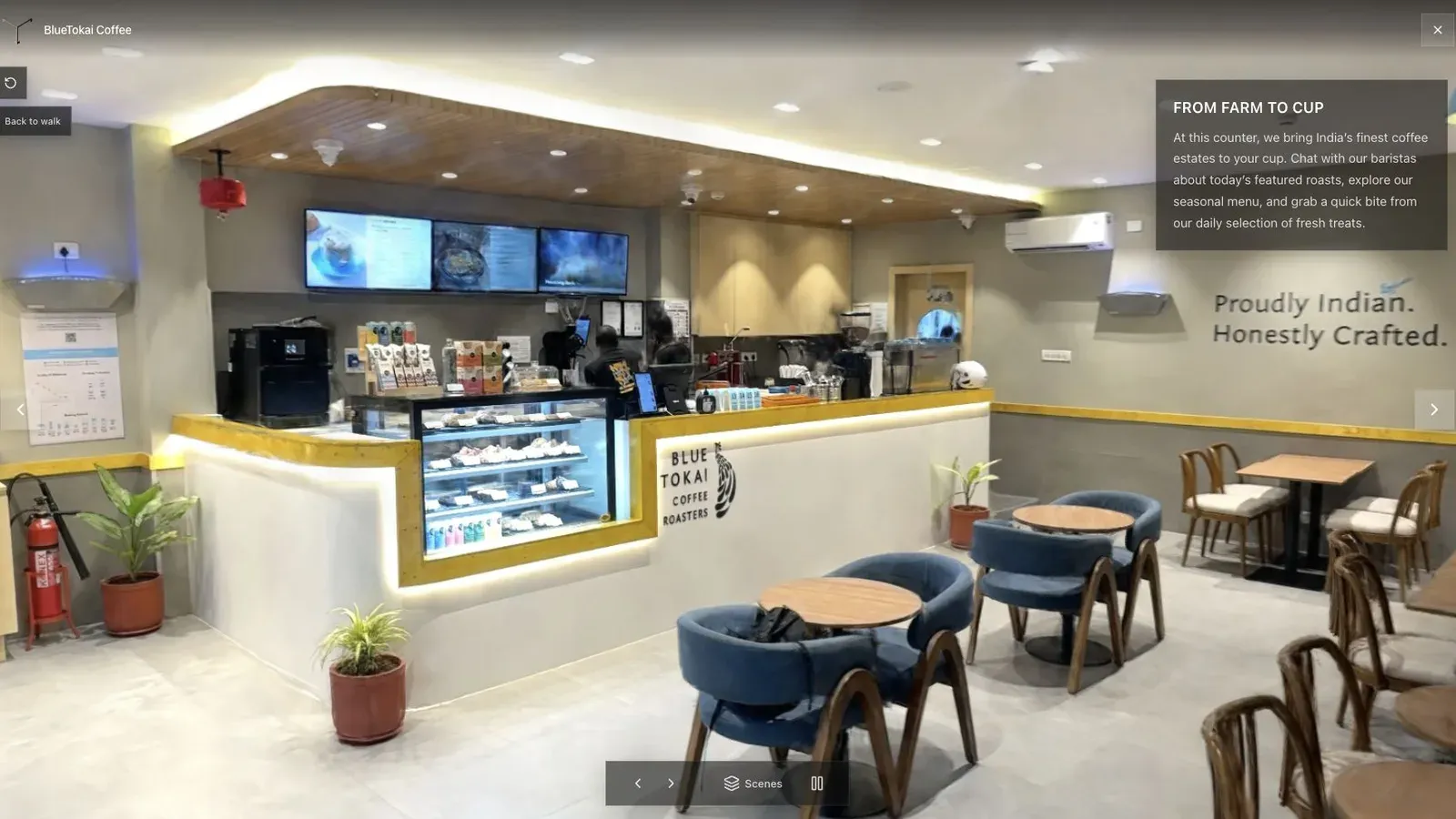
The right opening view tells a visitor what kind of experience they have entered.
Compare one real listing
Use the same property brief for both products. Ask for an entrance, kitchen, living area, primary bedroom, and balcony route. Require a website embed and one inquiry action. Review the result on a mid-range phone over cellular data.
The test should answer four questions:
- Does the extra depth of the splat help someone understand the layout?
- How much capture and processing time did each result require?
- Which tour was easier to revise after the agent's feedback?
- Can the team connect usage to a listing or campaign?
If the panorama version communicates everything the client values, keep the simpler tool. If the splat creates noticeably better spatial confidence and supports a higher-value package, Spatial Studio earns the extra workflow.
Can the two products coexist?
Yes. An agency can use Kuula for fast panorama packages and Spatial Studio for splat-led work, exterior context, developments, or branded experiences. Spatial Studio can also include 360 panoramas inside a wider tour, which can be useful when one room is better represented as a fixed node.
The service menu should make the difference clear. Sell the panorama product on speed and coverage. Sell the Spatial Studio product on continuous movement, richer context, and measurable presentation.
Frequently asked questions
Is Spatial Studio a Kuula alternative?
Yes for many property-tour workflows, but the products begin from different formats. Kuula is panorama-first. Spatial Studio is splat-first while also supporting panoramas and other media.
Which is easier for a beginner?
Kuula may be easier when the user already has finished 360 panoramas. Spatial Studio is more complete when the user also needs capture guidance or splat generation.
Which one supports local processing?
Spatial Studio for Mac can reconstruct Gaussian splats locally on Apple silicon. A panorama workflow usually does not require the same reconstruction stage.
Which is better for a premium property?
Use the format that explains the property. Spatial Studio is stronger when continuous movement, exterior context, maps, floor plans, or guided storytelling materially improve the presentation.
Related reading
Next step
Create a Spatial Studio tour
Use the guide with your own project, or inspect a published example before starting.
Continue reading
Related articles
Tool Comparisons
CloudPano vs Spatial Studio
Compare CloudPano and Spatial Studio for virtual tours, splats, guided stops, branding, lead capture, embeds, and analytics.
Read articleTool Comparisons
Gaussian Splatting Software Compared: 17 Tools for 2026
Compare 17 Gaussian splatting tools for capture, generation, editing, hosting, 360 video, local Mac training, and published 3D tours.
Read article