Polycam Gaussian Splatting Workflow: Capture, Generation, and Tour Delivery
See where Polycam fits for capture and when Spatial Studio is the stronger route to local or cloud reconstruction and a published 3D tour.

In this guide
Polycam is strong for flexible capture; Real Horizons is useful when the package needs cloud splat generation and a guided browser tour.
Short answer
Polycam is a broad mobile capture toolkit. It makes sense when you want to scan with a phone, work across LiDAR and photogrammetry, produce floor plans, experiment with splats, or export assets into another 3D workflow.
Spatial Studio is the better fit when the commercial job begins before reconstruction and ends after it. Spatial Lens guides iPhone capture, the Mac app can reconstruct locally on Apple silicon, and the web platform can generate from phone, photo, 360, drone, PortalCam, or mixed media. The same project then becomes a guided tour with maps, floor plans, hotspots, embeds, lead actions, and analytics.
Polycam and Spatial Studio solve different center-of-gravity problems
| Question | Polycam | Spatial Studio |
|---|---|---|
| What is the product centered on? | Versatile mobile 3D capture and asset creation. | Capture-to-published-tour delivery. |
| Which inputs matter? | Phone sensors, imagery, LiDAR, and related capture modes. | iPhone, ordinary video, photos, 360, drone, PortalCam, and existing splats. |
| What happens after the model exists? | Export or continue inside Polycam's available sharing tools. | Author a visitor path, combine media, publish, embed, and measure. |
| Who is the natural buyer? | A creator who needs a reusable 3D asset. | A team responsible for a client or customer experience. |
This is why “Polycam alternative” can be the wrong question. If your work ends with an exported asset, Polycam may be exactly right. If the client expects a property link with a clear route and an inquiry button, the publishing workflow deserves equal weight.
Where Polycam is the sensible choice
Polycam is useful when one phone needs to cover several spatial jobs. A renovation team may need a room scan today, a floor plan tomorrow, and an exported model next week. A creator may want to test LiDAR and photogrammetry without choosing a narrowly specialized product.
It is also a practical field tool. You can inspect a capture while you are still on site and discover obvious gaps before packing up. That immediate feedback can be more valuable than a sophisticated cloud workflow that reveals a missed doorway hours later.
Where Spatial Studio earns its place
A property photographer has a different problem. The scan is only the middle of the service. The operator must decide how to capture the property, reconstruct it reliably, make it understandable to a buyer, place it on a listing page, and show the agent what happened after launch.
Spatial Studio keeps those pieces connected. A small apartment can start with Spatial Lens. A private experiment can stay on the Mac. A larger site can use cloud processing. A resort or development can combine a splat with aerial context, a 3D map, floor plans, photos, and guided stops. The client still receives one browser link.
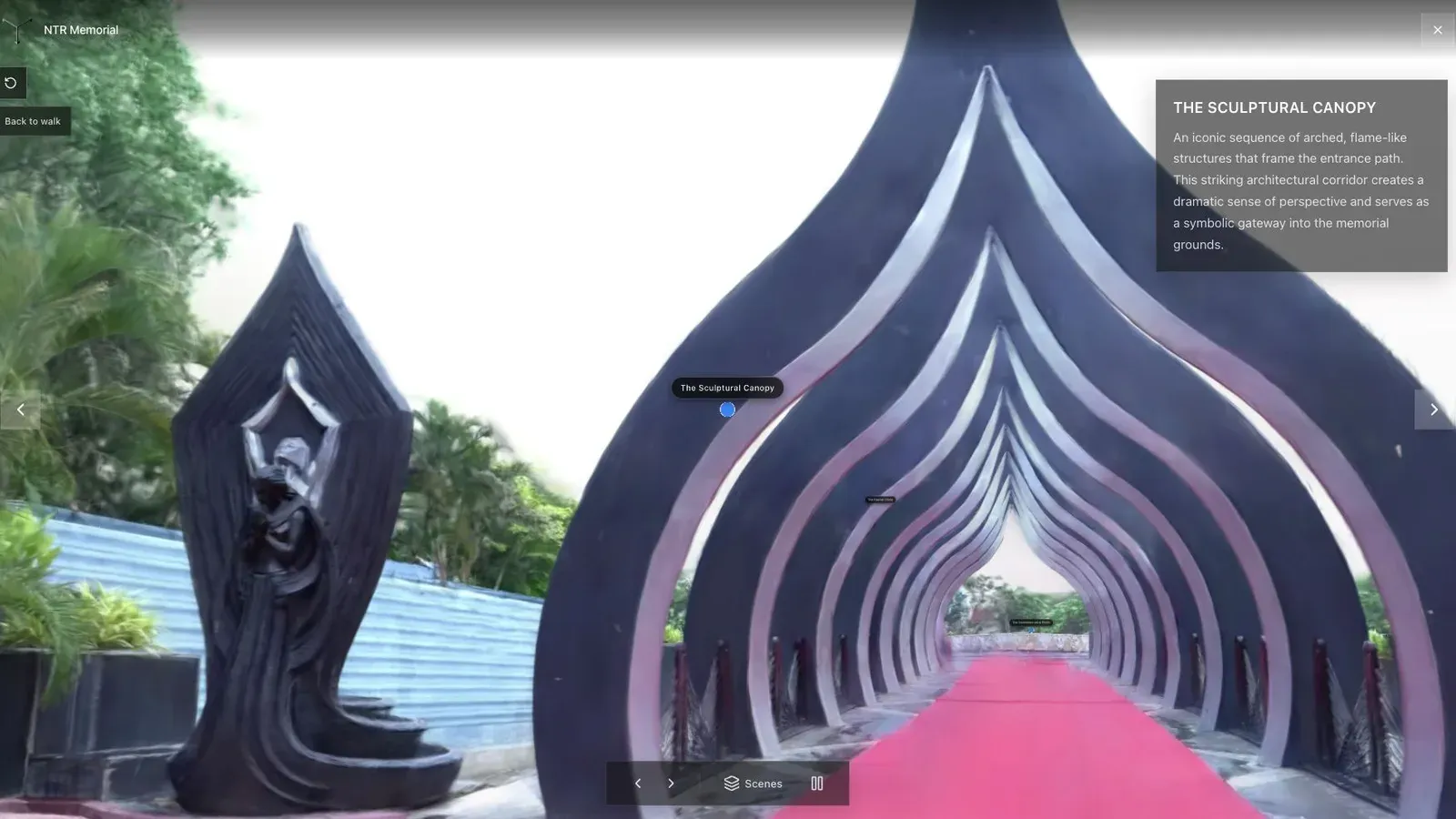
The useful output is not only a clean model. It is a route a first-time visitor can understand.
A combined workflow can be the right answer
You do not need to force a winner. If Polycam is already part of the capture toolkit, keep using it where it saves time. Export a supported result, inspect what survived the handoff, and use Spatial Studio when the project needs a richer presentation layer.
Test that handoff before promising it to clients. Check the export format, scale, orientation, crop, and mobile weight. Then add only the tour structure the audience needs. Five well-named stops are more useful than twenty generic labels.
A real estate test project
Use a two-bedroom property with one hard transition, such as a bright balcony outside a dim room. Capture it with the method you would actually sell. Then compare the workflows on the parts clients notice:
- time on site and time waiting for a result;
- repair work around the difficult transition;
- clarity of the opening view and room route;
- effort required to embed the tour on a listing;
- whether the agent can see visits and inquiry clicks.
The exercise exposes costs that a feature table hides. A cheap capture can become expensive if every tour needs a manual publishing stack. A full platform can be unnecessary when the only deliverable is a file.
Frequently asked questions
Is Spatial Studio a Polycam replacement?
It can replace the workflow for teams focused on Gaussian splat tours, but it does not try to replace every Polycam capture mode or general 3D asset use case.
Can I use Polycam and Spatial Studio together?
Yes, when the exported asset is supported and the handoff preserves the scene correctly. Validate one real project before making it a standard operating procedure.
Which product is better for local Mac reconstruction?
Spatial Studio for Mac is designed for local Apple silicon splat reconstruction. Polycam is centered more heavily on mobile capture and its broader scan ecosystem.
Which is better for a client-facing real estate tour?
Spatial Studio is the stronger choice when the deliverable needs guided rooms, property context, embeds, lead actions, and analytics in one system.
Related reading
Next step
Build a tour from your capture
Use the guide with your own project, or inspect a published example before starting.
Continue reading
Related articles
Tool Comparisons
Scaniverse vs Polycam vs Spatial Studio for 3D Tours
Compare Scaniverse, Polycam, and Real Horizons Spatial Studio for capture, Gaussian splatting, client tours, embeds, CTAs, and analytics.
Read articleTool Comparisons
Gaussian Splatting Software Compared: 17 Tools for 2026
Compare 17 Gaussian splatting tools for capture, generation, editing, hosting, 360 video, local Mac training, and published 3D tours.
Read article