Commercial Real Estate Virtual Tours for Leasing
Create commercial real estate virtual tours for leasing with access, frontage, fit-out, amenities, guided stops, and inquiry CTAs.

In this guide
Commercial tours should explain access, fit-out, frontage, amenities, and next-step leasing actions.
Short answer
Leasing teams need qualified interest rather than more casual views.
Commercial tours should explain access, fit-out, frontage, amenities, and next-step leasing actions. A useful test is simple: can someone open the tour, understand the place, and know what to do next without a separate explanation?
Spatial Studio can cover the commercial workflow from cloud or Mac generation through leasing delivery. Phone, 360, drone, photo, mixed capture, Spatial Lens on iPhone Pro, and compatible PortalCam workflows feed tours with suite routes, specification hotspots, embeds, CTAs, and analytics.
How to judge the workflow
| Leasing question | What the tour should show |
|---|---|
| Will the space fit? | Floor relationships, capacity context, and linked plans |
| How do people arrive? | Street, lobby, lift, loading, parking, and transit |
| What is included? | Current condition, furnishings, and exclusions |
| What is next? | Suite-specific inquiry or scheduled viewing |
Practical checklist
- Capture arrival, frontage, interior flow, amenities, and service access.
- Use labels for zones and build-out possibilities.
- Add hotspots for specs and leasing notes.
- Embed the tour in listing and campaign pages.
- Track which spaces produce inquiries.
Why Real Horizons is different
Real Horizons connects cloud splat generation with guided tour publishing. Spatial Studio supports captures from smartphones, 360 cameras, 360 drones, standard drones, DSLR/photo sets, and mixed media workflows. That matters when a leasing team wants one path from frontage, interior, amenity, service-access, or aerial capture to a usable leasing tour instead of stitching together separate tools for processing, viewer setup, publishing, and prospect follow-up.
Common mistakes
- Hiding loading, circulation, or access behind beauty angles.
- Mixing current condition with proposed fit-out without labels.
- Claiming measurements from visual reconstruction alone.
- Sending every prospect through irrelevant suites.
- Losing the suite ID when a lead clicks inquire.
Commercial packaging example
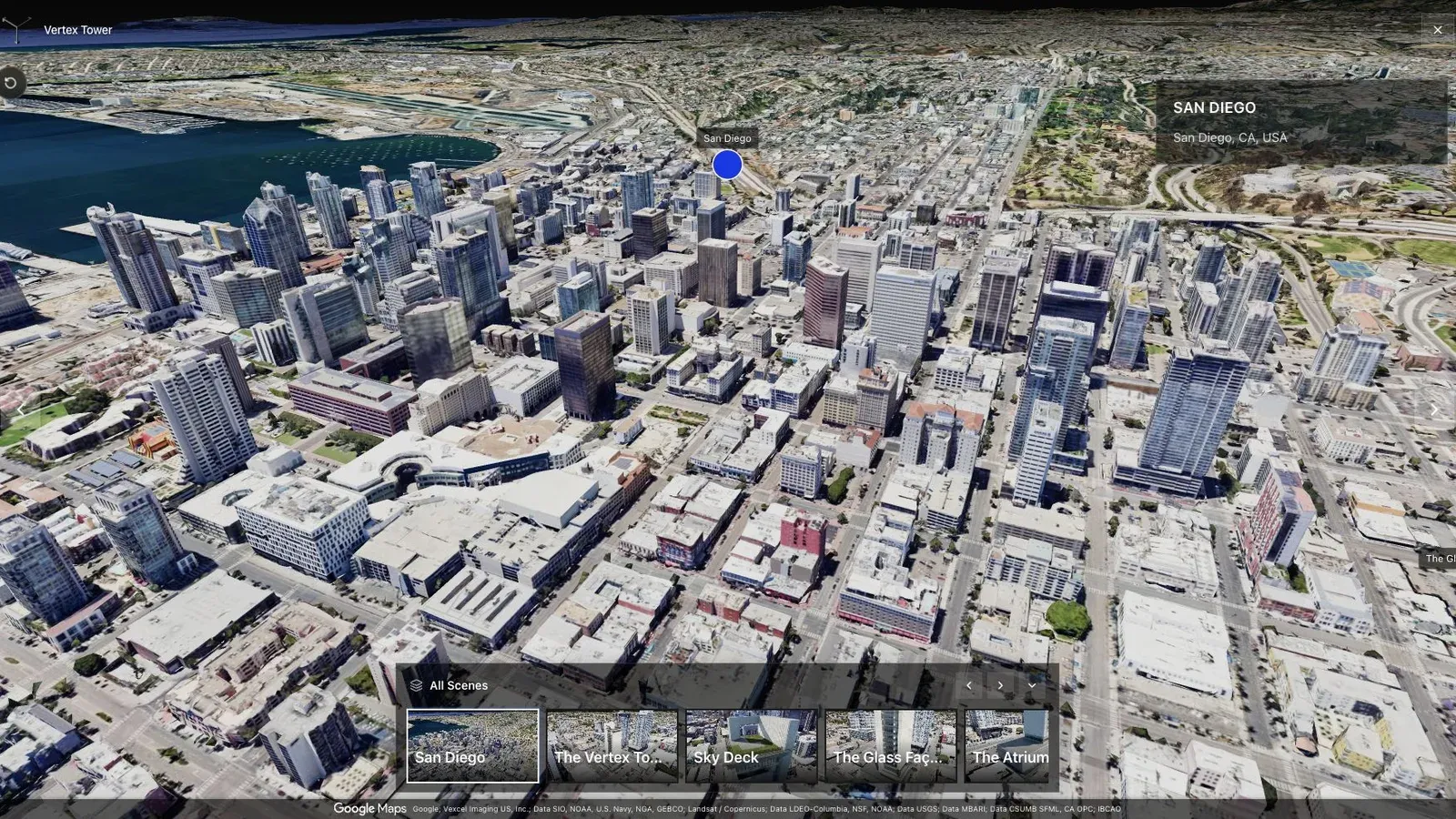
A city-scale map tour gives large sites the context that a room-by-room viewer cannot provide alone.
For this use case, the important question is what the tour helps a tenant or broker qualify. Prospects may need to understand frontage, interior flow, fit-out potential, service access, amenities, and whether a space is worth a showing. For commercial brokers, landlords, and leasing teams, the tour should make that qualification easier within the first few seconds.
State capture date and current condition. If renderings or proposed layouts appear beside the splat, label them plainly. The tour should reduce wasted visits, not create an expectation the physical space cannot meet.
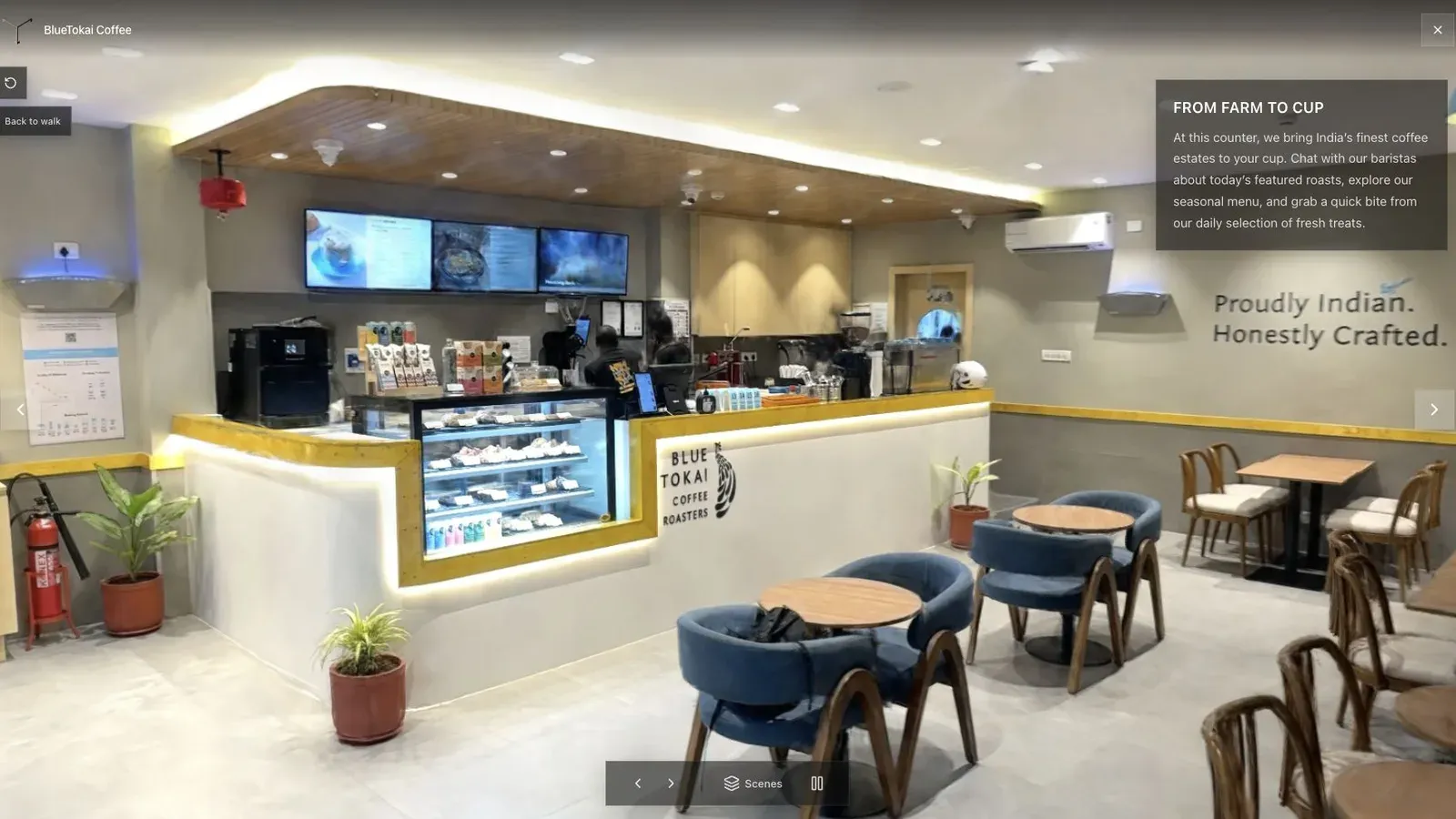
A published cafe tour gives visitors a clear first view before they move through the space.
Use a building overview for context and separate short routes for available suites. Keep specifications, plans, and lease details as linked documents so the spatial scene stays visually clear.
Have leasing verify availability, naming, fit-out status, and contact routing. Track which suite routes precede qualified inquiries, while treating tour activity as interest rather than proof of intent. See Gaussian Splatting for Real Estate.
For leasing teams, a useful tour is one prospects can open before a call and reference during the conversation.
Related reading
- Gaussian Splatting for Real Estate
- Splat Virtual Tour Software
- Real estate photographer packages
- How to Make Money with Virtual Tours
- Virtual Tour Revenue Calculator
A productized service for commercial-space creators
Define the deliverable by decision: remote qualification, leasing presentation, stakeholder documentation, or construction context. A practical package can include capture, a guided tour, zones or waypoints, supporting plans and media, one contact CTA, mobile QA, and a fixed active period. Price separate floors, repeated site visits, plan production, white labeling, and reporting as explicit additions.
Spatial Studio comes out ahead when the project needs mixed capture, maps, guided spatial context, publishing, embeds, CTAs, and analytics in one system. A measurement-first or facilities workflow may require a specialist platform instead. Use the revenue calculator to make sure long capture days and client revisions remain visible in the margin.
Next step
Generate a splat tour
Use the guide with your own project, or inspect a published example before starting.
Continue reading
Related articles
Commercial Use Cases
3D Map Tours for Land and Plot Sales
Use 3D map tours for land and plot sales to connect drone context, plot availability, access, landmarks, and buyer decisions.
Read articleCommercial Use Cases
3D Property Damage Documentation for Insurance and Restoration
Plan 3D property damage documentation for insurance and restoration using photos, 360 capture, Gaussian splats, guided review, and clear evidence boundaries.
Read article